


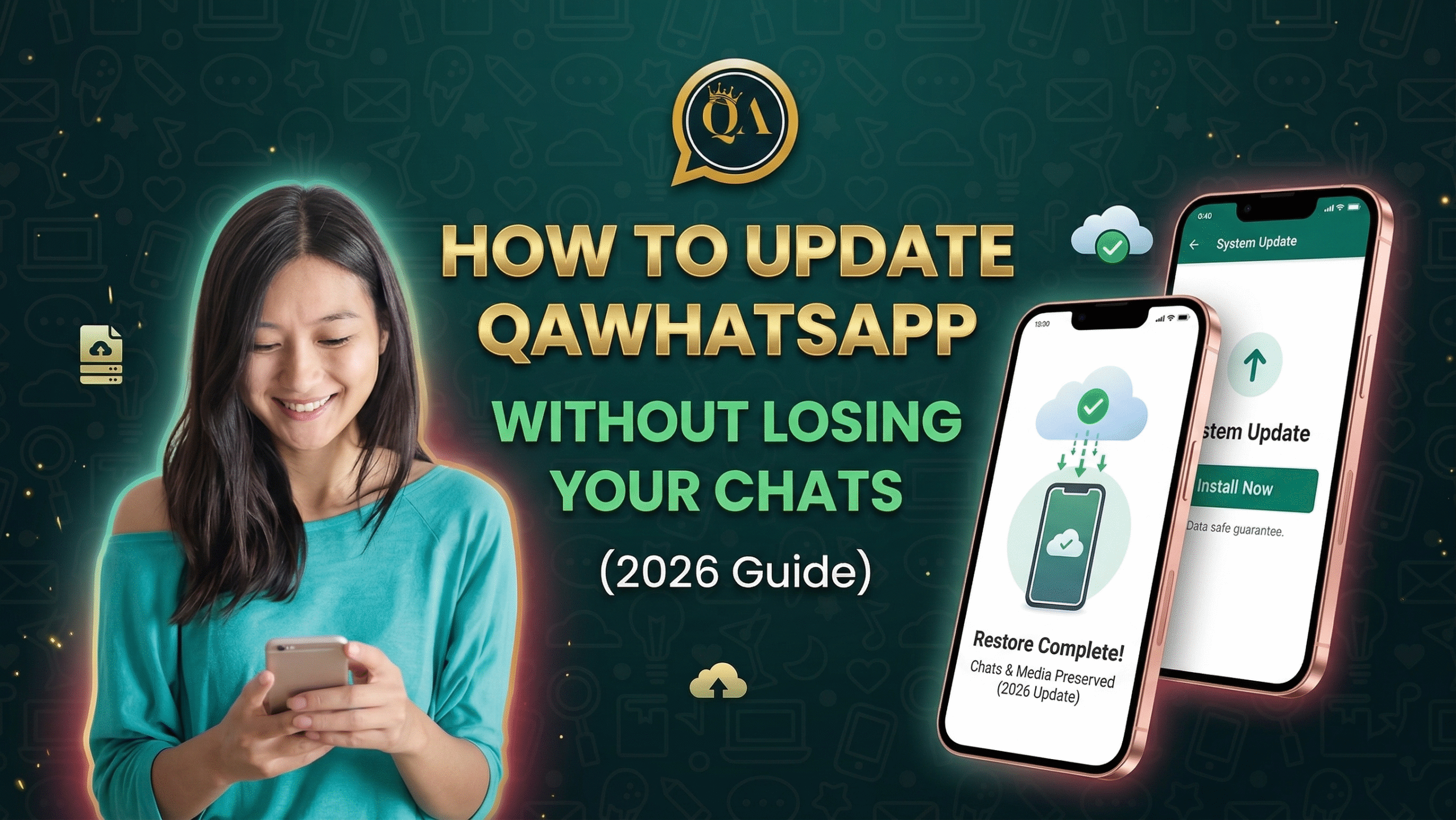
How to Update QAWhatsApp Without Losing Your Chats (2026 Guide)
Updating a WhatsApp mod the wrong way = losing all your messages. Here’s the safe way to update QAWhatsApp to the latest version without losing a single chat.
Before You Update, Back Up First
- Open QAWhatsApp
- Go to Settings → Chats → Chat Backup
- Tap Back Up Now
- Make sure your backup is saved to Google Drive or local storage
How to Update QAWhatsApp Step by Step
- Go to qawhatsapp.com and download the latest APK (V41)
- Do NOT uninstall your current QAWhatsApp, just install over it
- Tap the APK file and hit Install
- Wait for the update to complete
- Open the app, your chats will be exactly where you left them
⚠️ Common Mistake: People uninstall QAWhatsApp before updating. This deletes your local chat backup. Always install the new version on top of the old one.
How to Update Via QAWhatsApp Settings
You can also update directly inside the app:
- Open QAWhatsApp
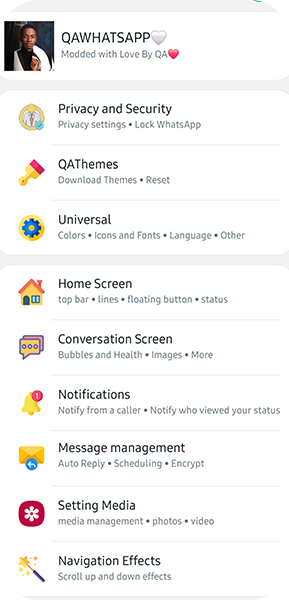
- Go to QA Settings → Updates → Web Download
- The app will direct you to the download page automatically