


How to Login to QAWhatsApp (Companion Device Fix) – 2026 Guide
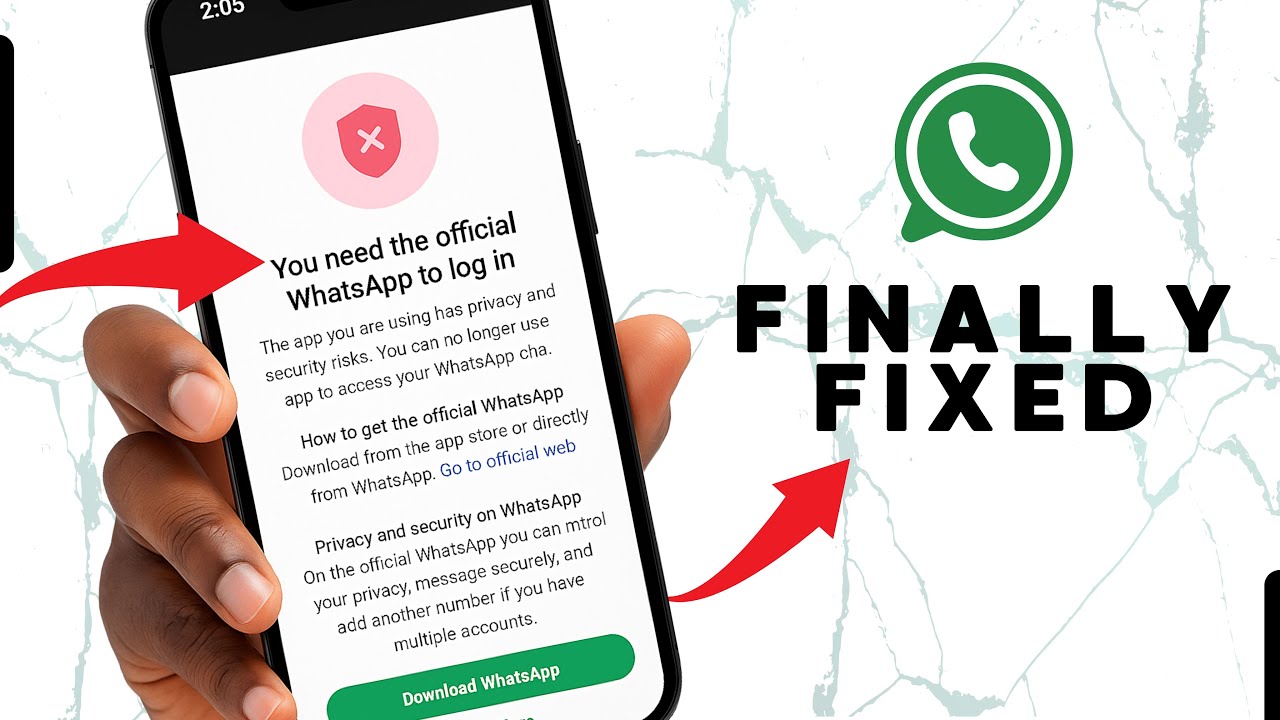
If you can’t link a companion device with QAWhatsApp anymore, a working solution has been found with V43.50 using the QAWA Activator. Follow these steps carefully and you’ll be logged in without losing anything.
What You Need
- QAWA Activator APK (links first)
- QAWhatsApp V43 Final APK (replaces Activator)
⚠️ Important – Do not uninstall the Activator before installing V43.50 Just install V43.50 over it. That’s the key.
Step-by-Step Instructions
- Download the QAWA Activator
👉 Download QAWA Activator V1 - Install the Activator first (just like a normal APK)
- Open the Activator and use the “Link as Companion” feature – exactly like you used to do with older QAWhatsApp versions.
- Wait 20 seconds while keeping the Activator open. This allows the link to stabilise.
- Download QAWhatsApp V43.50
👉 Download QAWhatsApp V43.50 – Latest Version - Do NOT uninstall the Activator. Just install the V43.50 APK directly over it.
- Open QAWhatsApp after installation – it will automatically replace the Activator and keep you logged in.
✅ Your chats and login session should now be working.
If the Login Fails on First Try
- Simply try again. Sometimes the first attempt may not complete.
- Repeat the process from step 3 (linking the Activator again) and then install V43 once more.
To Avoid Being Logged Out Later
- Avoid enabling too many privacy features at once inside QAWhatsApp.
- Stick to moderate privacy settings (hide last seen, blue ticks, etc.) but not everything together.
Good luck.
Qurish A.